



Laravel 10 Blog is a comprehensive, production-ready personal blog platform built with Laravel 10 that demonstrates modern PHP development practices. This repository serves as both a learning resource and a solid foundation for building your own blog application with advanced features.
Whether you're a Laravel beginner looking to learn the framework or an experienced developer seeking a well-structured blog application, this project provides:
- Complete authentication system with email verification
- Rich blog functionality with rich text editing
- Real-time capabilities using Laravel Events and Broadcasting
- Modern UI with Bootstrap 5 and Vite
- API resources for building mobile or frontend applications
- Testing with PHPUnit
- Best practices implementation including caching, localization, and security
✅ Complete Authentication System
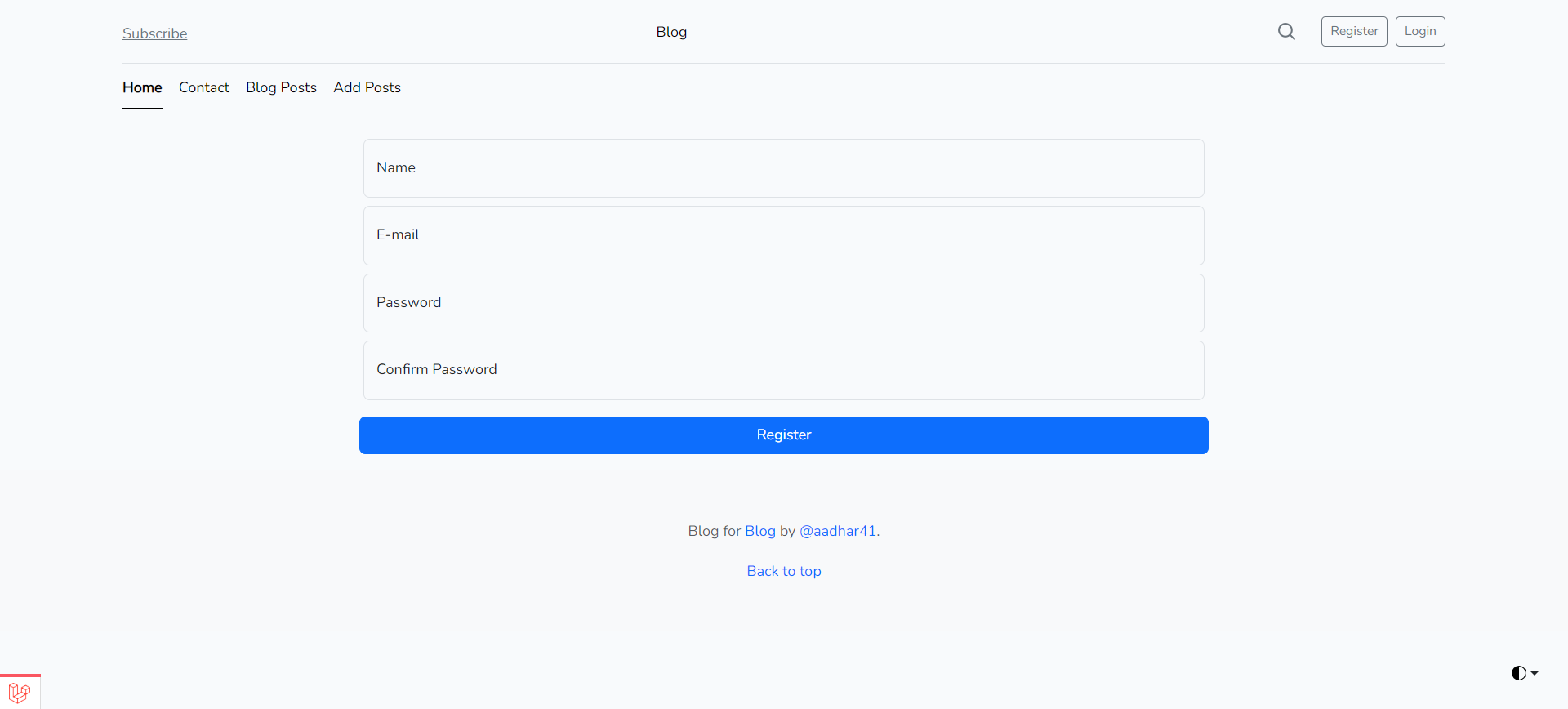
- User registration with email verification
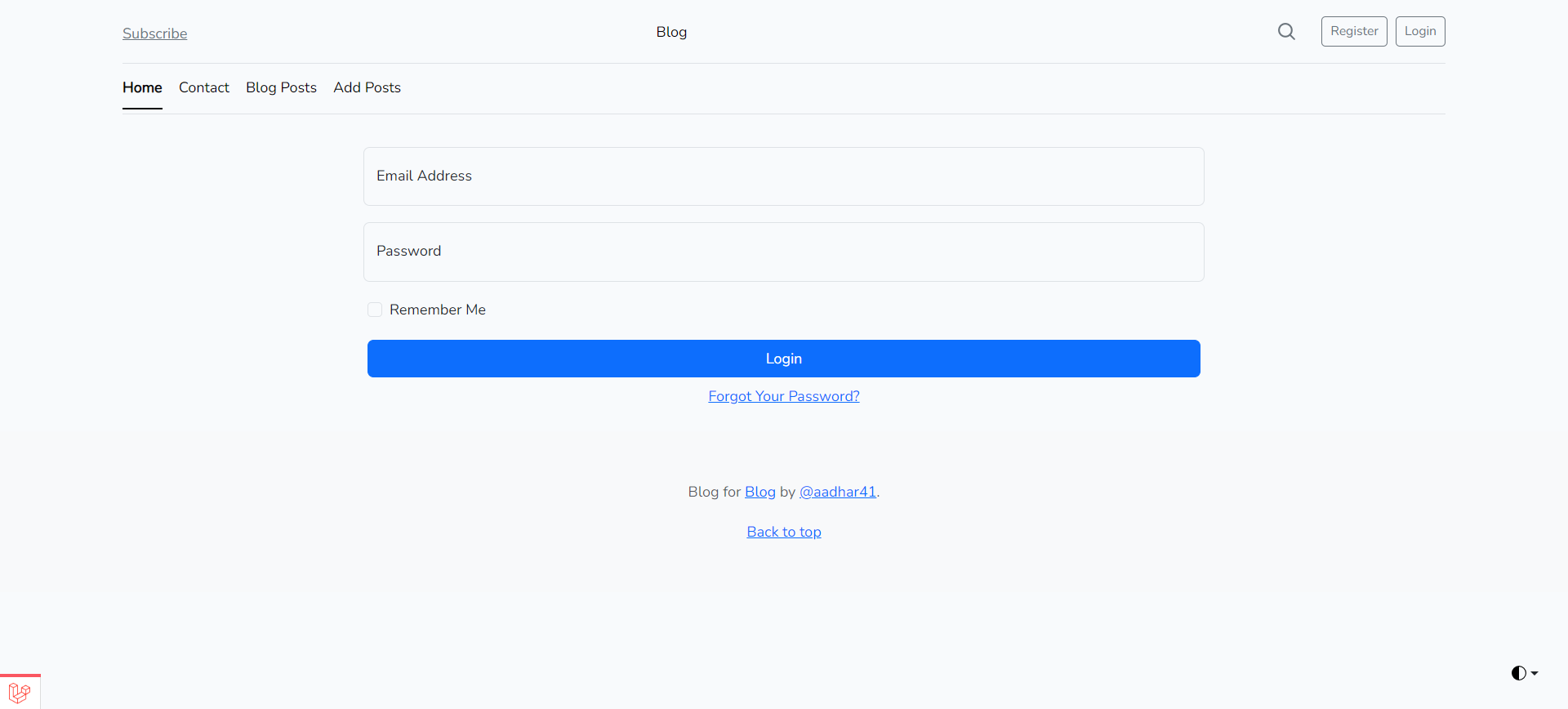
- Login/logout functionality
- Password reset system
- Email confirmation workflow
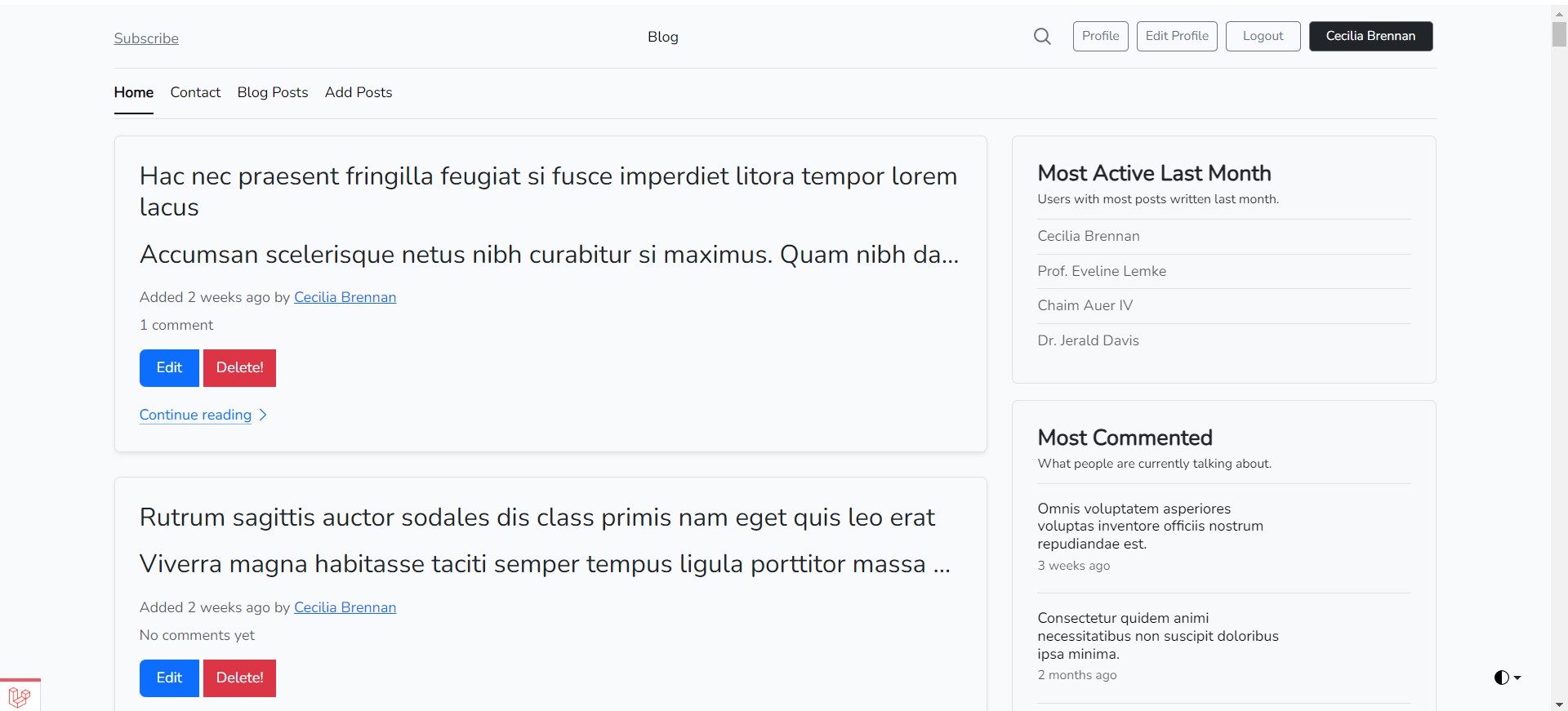
📝 Advanced Blog Functionality
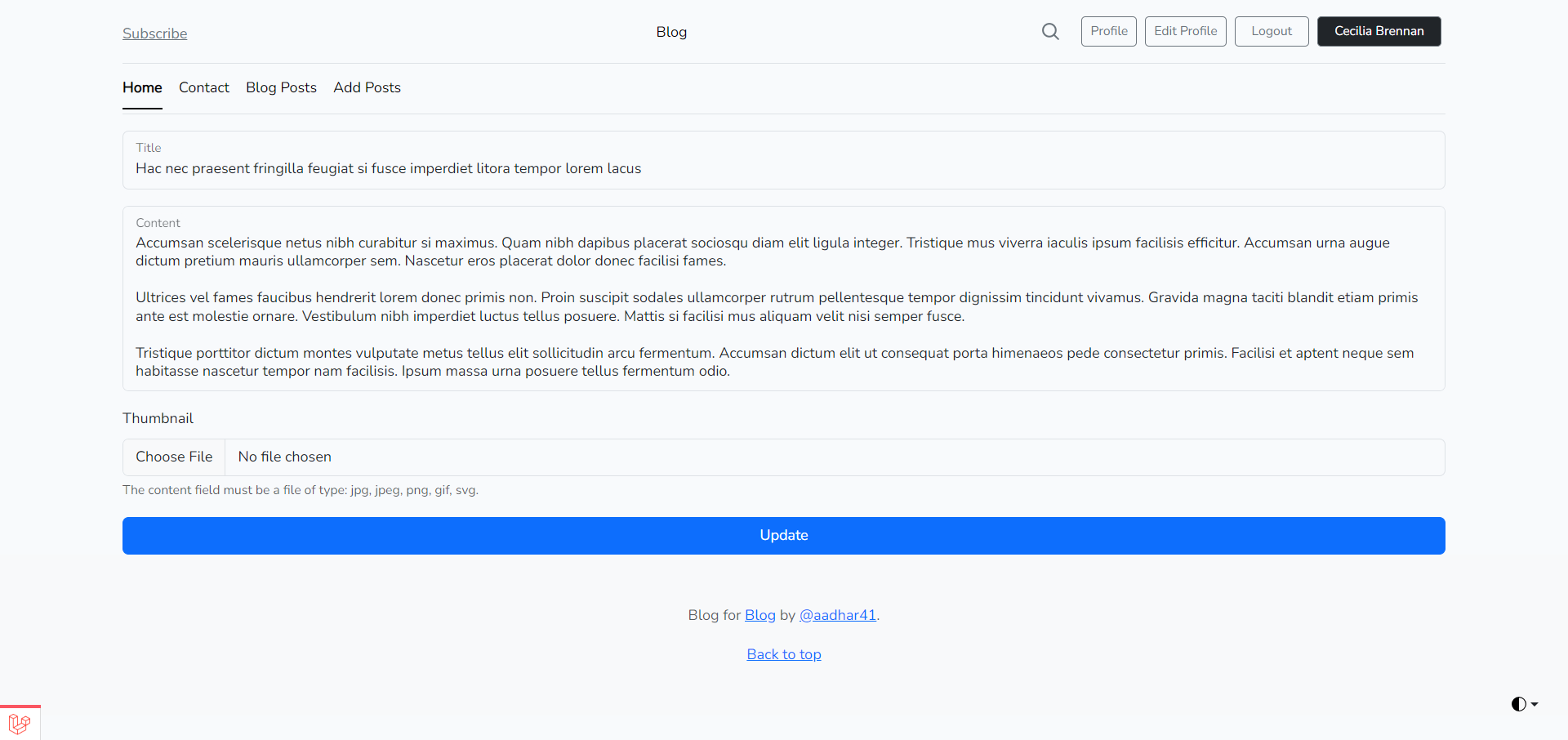
- Create, read, update, and delete blog posts
- Rich text editing with Markdown support
- Image uploads for post thumbnails
- Tag system for categorization
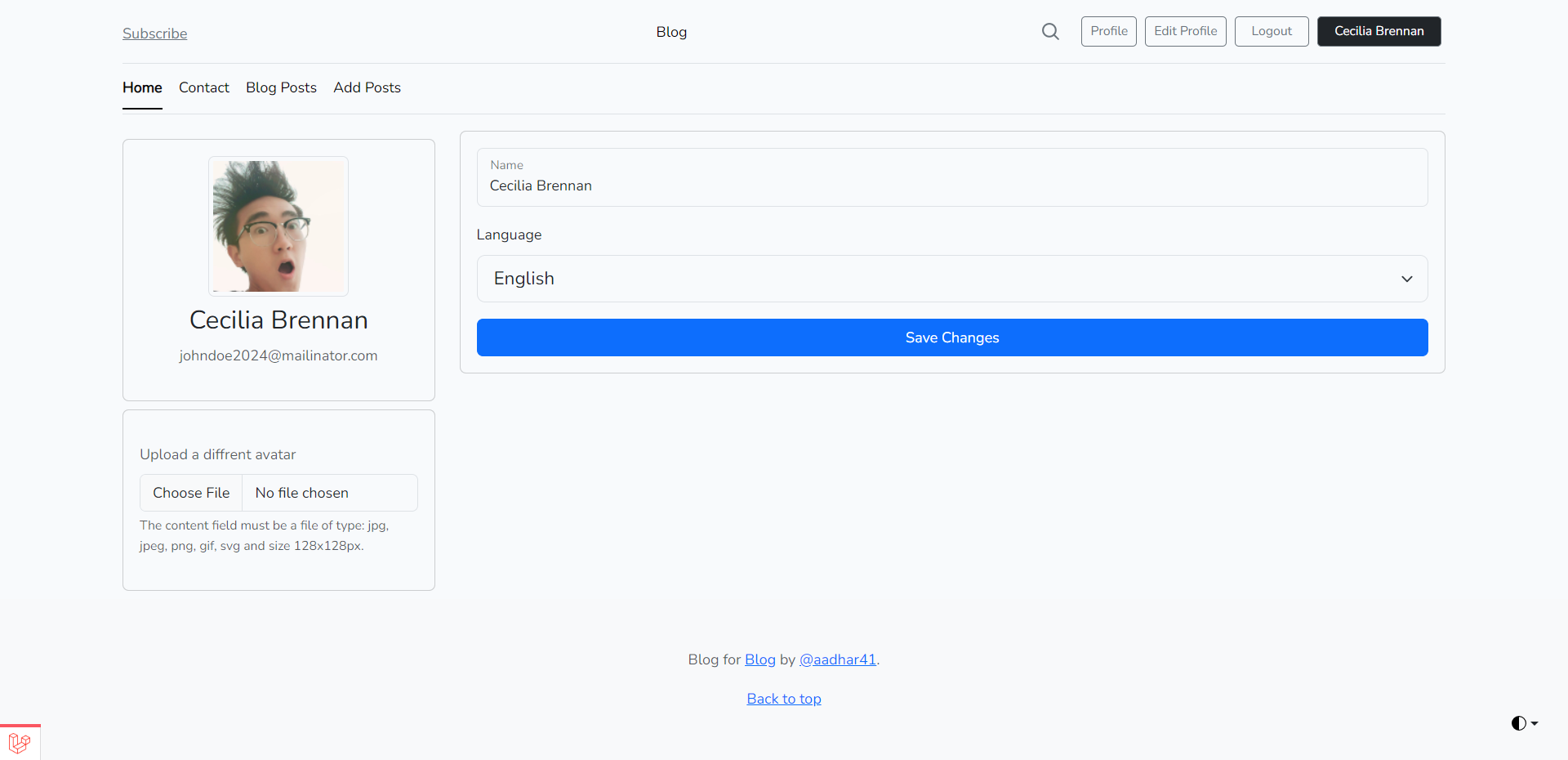
- User profiles with avatars
💬 Real-time Interaction
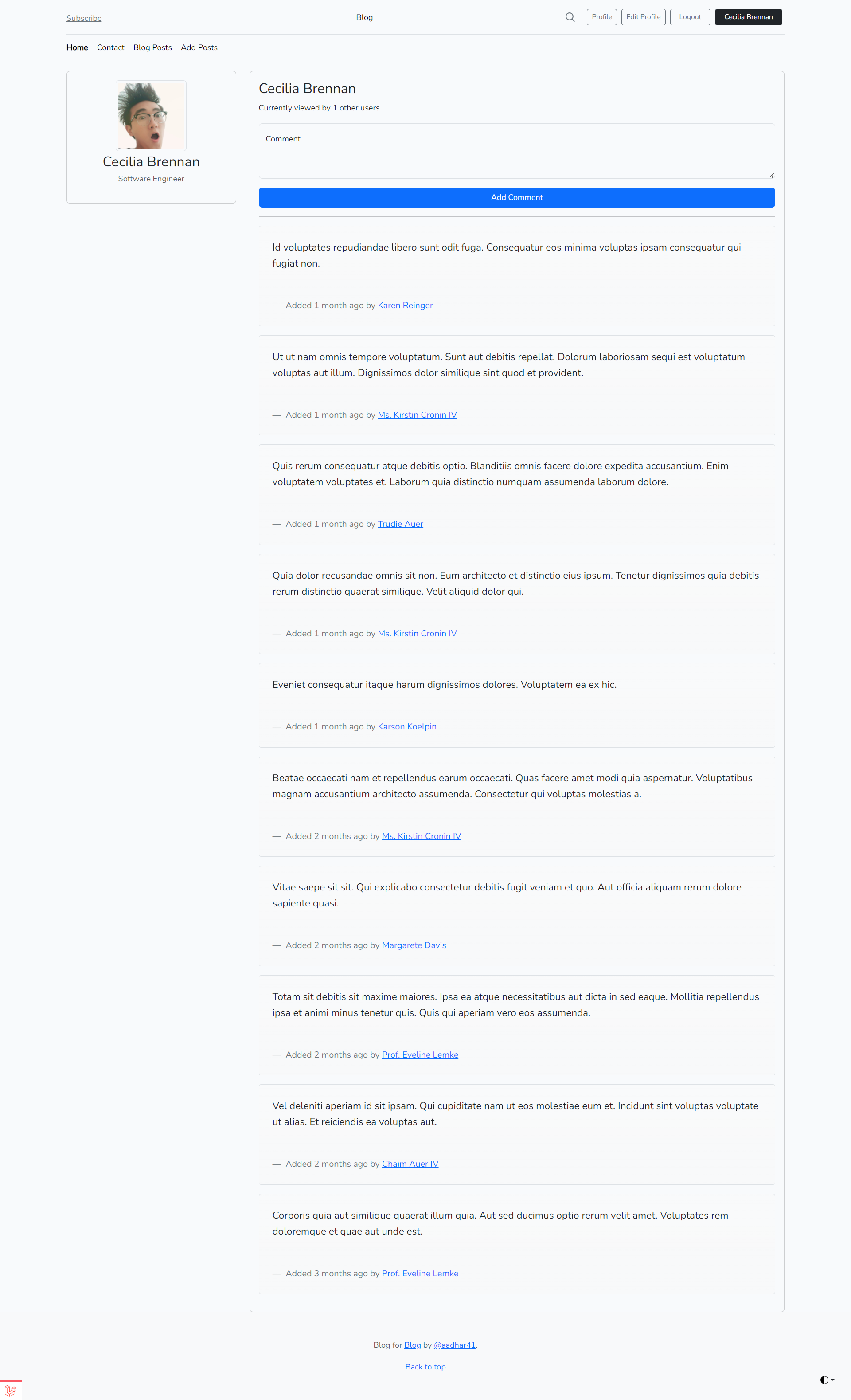
- Live comment updates using Laravel Events
- Real-time notifications
- Broadcasted events for instant updates
🌐 Internationalization
- Multi-language support
- Locale switching
- Translatable content
🔒 Security Features
- CSRF protection
- Authentication middleware
- Input validation
- Secure password handling
📊 Performance Optimizations
- Caching with Redis/Memcached
- Tag-based caching
- Optimized database queries
- Asset optimization with Vite
📱 API Resources
- RESTful API endpoints
- JSON responses
- API documentation
- Rate limiting
- Primary Language: PHP 8.1+
- Framework: Laravel 10
- Frontend: Bootstrap 5, Vite, SASS
- Database: MySQL
- Testing: PHPUnit, Laravel Debugbar
- Build Tools: Composer, npm, Vite
- Authentication: Laravel Sanctum
- Real-time: Laravel Events & Broadcasting
- Caching: Redis/Memcached
- Package Manager: Composer
Before you begin, ensure you have the following installed on your system:
- PHP 8.1 or higher
- Composer for dependency management
- Node.js 16 or higher for frontend assets
- MySQL or another supported database
- Git for version control
-
Clone the repository:
git clone https://github.com/yourusername/laravel10-blog.git cd laravel10-blog -
Install PHP dependencies:
composer install
-
Install JavaScript dependencies:
npm install
-
Set up environment variables:
cp .env.example .env
php artisan key:generate
-
Configure your database in the
.envfile:DB_CONNECTION=mysql DB_HOST=127.0.0.1 DB_PORT=3306 DB_DATABASE=laravel_blog DB_USERNAME=root DB_PASSWORD=
-
Generate application assets:
npm run dev
-
Run database migrations:
php artisan migrate
-
Seed the database (optional, for sample data):
php artisan db:seed
For a complete development environment using Docker:
# Start the Docker containers
docker-compose up -d
# Install PHP dependencies
docker-compose exec laravel composer install
# Install JavaScript dependencies
docker-compose exec laravel npm install
# Set up environment
docker-compose exec laravel cp .env.example .env
docker-compose exec laravel php artisan key:generate
# Run migrations
docker-compose exec laravel php artisan migrateStart the development server:
php artisan serveOr with Docker:
docker-compose up -dThe application will be available at http://localhost:8000.
- Public URL:
http://localhost:8000 - Admin Panel: After registration, you can access the admin features
- API Documentation: Available at
/api/documentation
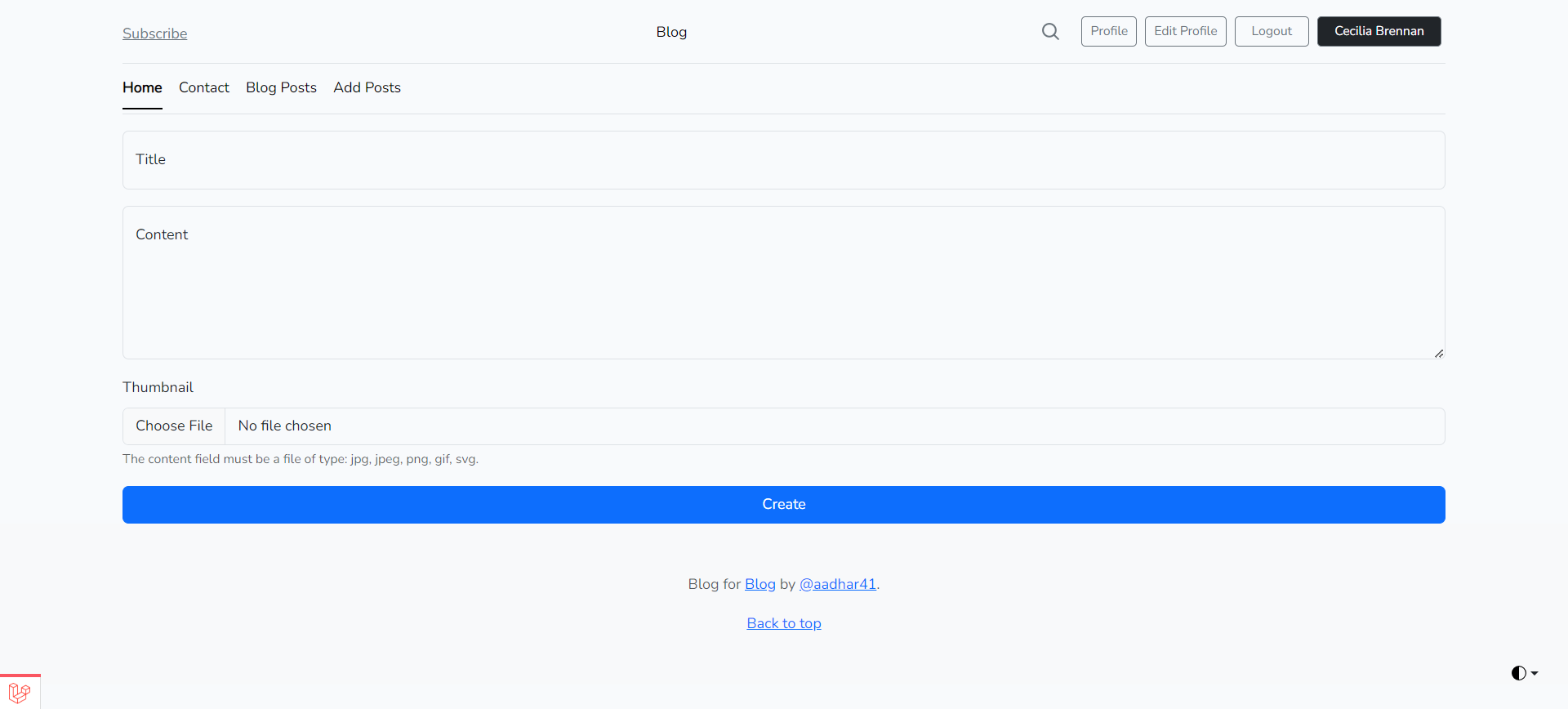
- Navigate to the "Create Post" page (requires authentication)
- Fill in the title, content, and optional thumbnail
- Select tags for categorization
- Submit the form to create your blog post
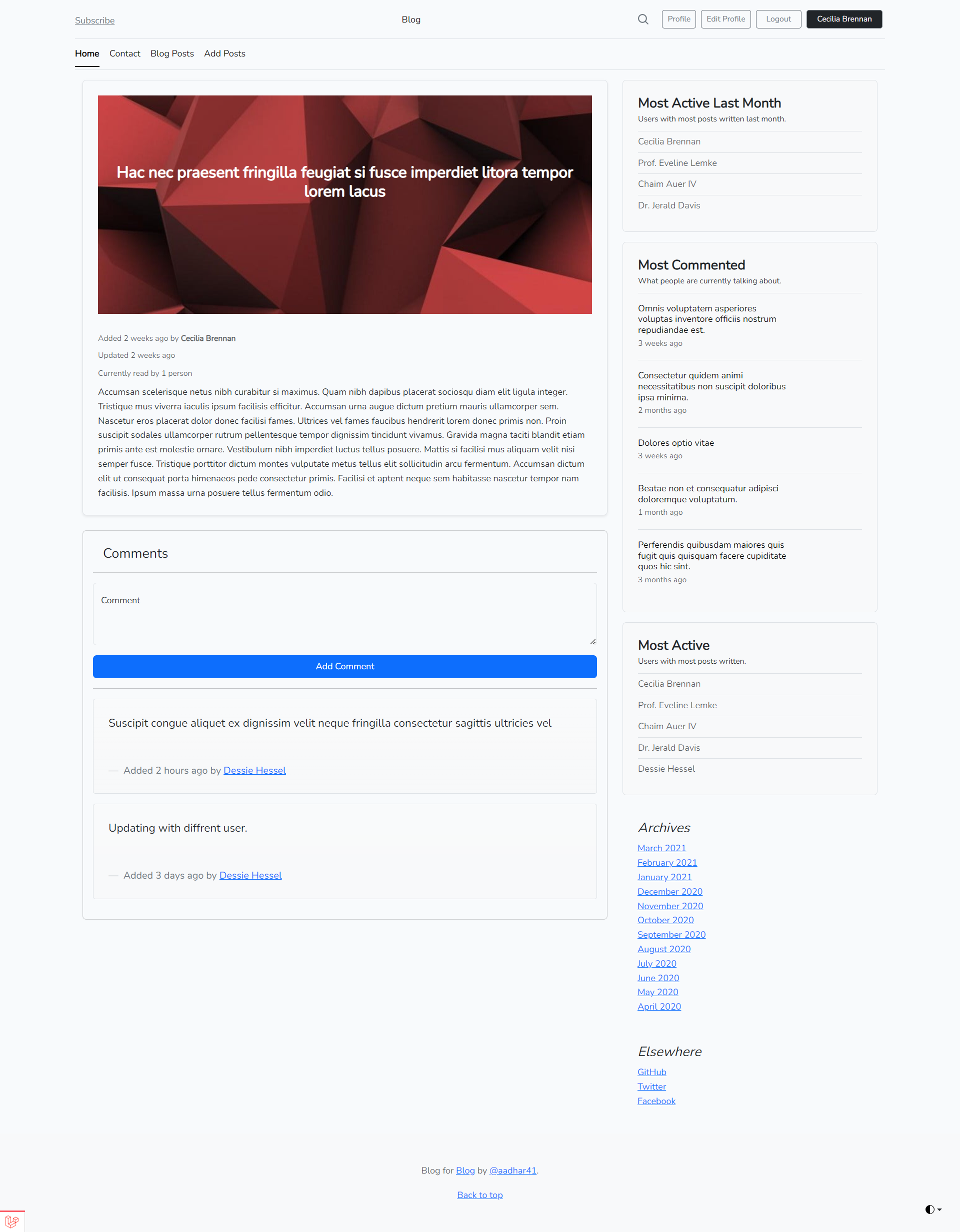
- View any blog post to see the comments section
- As an authenticated user, you can add comments in real-time
- All comments are broadcasted to connected clients
- Visit any user's profile page
- Edit your profile by updating your avatar and locale preferences
- View your blog posts and comments
laravel10-blog/
├── app/ # Application source code
│ ├── Contracts/ # Contracts and interfaces
│ ├── Events/ # Event classes
│ ├── Facades/ # Facade classes
│ ├── Http/ # HTTP controllers, middleware, requests, resources
│ ├── Models/ # Eloquent models
│ ├── Providers/ # Service providers
│ └── ...
├── config/ # Configuration files
├── database/ # Database migrations and seeds
├── public/ # Publicly accessible files
├── resources/ # Views and assets
│ ├── js/ # JavaScript files
│ ├── sass/ # SASS stylesheets
│ └── views/ # Blade templates
├── routes/ # Route definitions
├── tests/ # Test cases
├── vendor/ # Composer dependencies
└── ...
Copy the example environment file and configure it:
cp .env.example .envKey environment variables to configure:
# Application settings
APP_NAME=Your Blog Name
APP_ENV=local
APP_URL=http://localhost
# Database configuration
DB_CONNECTION=mysql
DB_HOST=127.0.0.1
DB_PORT=3306
DB_DATABASE=laravel_blog
DB_USERNAME=root
DB_PASSWORD=
# Mail configuration (for email verification)
MAIL_MAILER=smtp
MAIL_HOST=mailpit
MAIL_PORT=1025
# Caching
CACHE_DRIVER=redis
REDIS_HOST=127.0.0.1
# Broadcasting (for real-time features)
BROADCAST_DRIVER=pusher
PUSHER_APP_ID=your_app_id
PUSHER_APP_KEY=your_app_key
PUSHER_APP_SECRET=your_app_secret
PUSHER_APP_CLUSTER=mt1-
Change the theme: Edit the SASS files in
resources/sass/app.scss -
Modify the blog layout: Update the Blade templates in
resources/views/layouts/ -
Adjust post settings: Modify the
BlogPostmodel and related controllers -
Change authentication behavior: Update the
Authcontrollers inapp/Http/Controllers/Auth/
We welcome contributions from the community! Here's how you can help:
- Fork the repository
- Create your feature branch:
git checkout -b feature/AmazingFeature
- Install dependencies:
composer install
npm install
- Run the development server:
php artisan serve
- Follow PSR-12 coding standards
- Use 4-space indentation
- Write clear, concise commit messages
- Include comprehensive tests for new features
- Follow the existing code structure
- Create a descriptive title for your pull request
- Provide a detailed description of your changes
- Reference any related issues
- Include screenshots or GIFs if applicable
- Ensure all tests pass
This project is open-sourced under the MIT License.
See the LICENSE file for more information.
Maintainer: Your Name - Initial work
Contributors: List of contributors
If you encounter any problems or have feature requests:
- Search existing issues to avoid duplicates
- Create a new issue with:
- Clear description of the problem
- Steps to reproduce
- Expected behavior
- Screenshots or error logs
- Your environment details
- Discussions: For general questions and discussions
- GitHub Issues: For bug reports and feature requests
- Community: Join our Laravel Discord server
- Complete blog functionality
- Authentication system
- Real-time features
- API resources
- Testing framework
-
Version 2.0.0
- User subscriptions and newsletters
- Advanced analytics dashboard
- Social media integration
- Payment gateway for premium content
-
Version 3.0.0
- AI-powered content suggestions
- Advanced SEO optimization
- Multi-site support
- Plugin architecture
// Using the API to create a new blog post
$response = Http::post('http://localhost:8000/api/posts', [
    'title' => 'My First Blog Post',
    'content' => '<p>This is the content of my first blog post.</p>',
    'thumbnail' => $filePath,
    'tags' => [1, 2, 3] // Array of tag IDs
], [
    'auth' => ['api_token' => 'your_api_token']
]);

if ($response->successful()) {
    echo 'Blog post created successfully!';
} else {
    echo 'Error: ' . $response->body();
}// Listening for new comments in real-time
Echo.channel('comments.' + postId)
.listen('CommentPosted', (e) => {
console.log('New comment:', e.comment);
// Update the UI with the new comment
appendCommentToUI(e.comment);
});// Switching locales in a controller
public function switchLocale($locale)
{
session()->put('locale', $locale);
return redirect()->back();
}To get the most out of this project, consider exploring these resources:
- Laravel Documentation: https://laravel.com/docs/10.x
- Laravel News: https://laravel-news.com
- Laravel Discord: https://discord.gg/laravel
- PHP The Right Way: https://phptherightway.com
-
Use Laravel Tinker for quick testing:
php artisan tinker
-
Generate boilerplate code with Artisan commands:
php artisan make:model Post -mcr
php artisan make:controller PostController --resource
-
Optimize your queries with Laravel's query builder:
$posts = BlogPost::with(['comments', 'tags'])->get();
-
Use Laravel's caching effectively:
$post = Cache::remember("post-{$id}", 60, function () use ($id) {
    return BlogPost::findOrFail($id);
});
-
Implement proper error handling:
try {
    // Risky operation
} catch (\Exception $e) {
    Log::error('Error occurred: ' . $e->getMessage());
    abort(500, 'Something went wrong');
}
- Repository Pattern: For data access abstraction
- Service Layer: For business logic separation
- Dependency Injection: Throughout the application
- Resource Controllers: For RESTful API endpoints
- Policy Authorization: For fine-grained permissions
- Event Broadcasting: For real-time updates
- Tagged Caching: For efficient cache invalidation
- Environment Configuration: For different deployment scenarios
- Deploy to production: Using Laravel Forge, Envoyer, or your preferred hosting
- Set up monitoring: With Laravel Horizon or similar tools
- Implement CI/CD: For automated testing and deployment
- Add more features: Based on your specific requirements
- Optimize performance: With caching, database indexing, etc.
Join us in building the future of blogging with Laravel! 🚀


